![Inven logo.png]](https://help.inven.ai/hs-fs/hubfs/Inven%20logo.png?height=40&name=Inven%20logo.png)
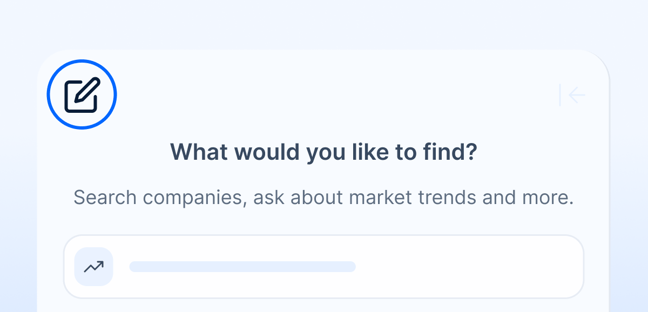
1. Start a new chat for each topic
While the system can follow long conversations, it’s best to start a new chat for each new type of search. If the topic changes completely, context may blur, and results can drift.
 Tip: If responses start to feel off or unrelated, click New chat (the pen icon) in the top left corner to start fresh.
Example: OK to continue: “Show me manufacturing companies in Germany.” → “Now filter to under 500 employees.”
 Better to restart: “Find top B2B SaaS firms.” → Start a new chat for this
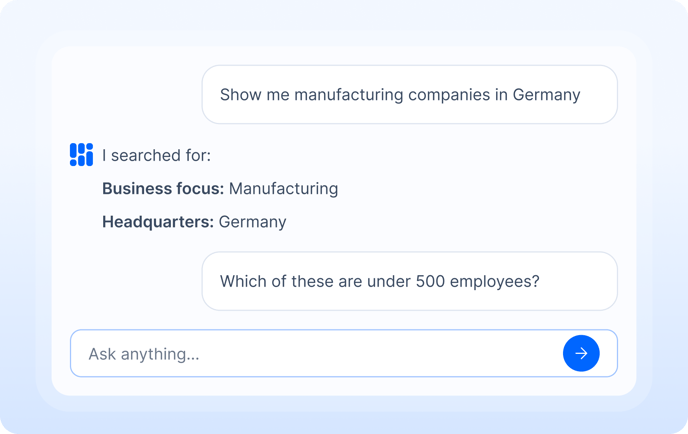
2. Iterate within the same chat
When refining one search, stay in the same chat. The system remembers context, so you can keep adjusting your request without losing focus.
Tip: Try rephrasing or adding filters instead of starting over.
For example:
“Show me manufacturing companies in Germany.”
“Now limit it to those with under 500 employees.”
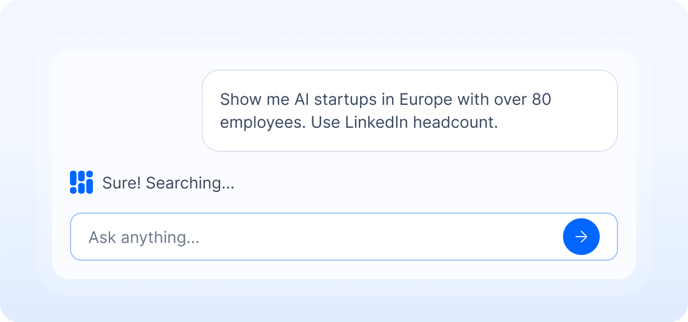
3. Specify which headcount you want to use
When asking about company size, Inven interprets differently depending on the industry.
-
For blue-collar sectors, it prioritizes headcount ranges.
-
For white-collar sectors, it prioritizes LinkedIn headcount.
Tip: If you want a specific data source, mention it directly in your prompt.
For example:
“Use LinkedIn headcount.”
“Use headcount range from website.”
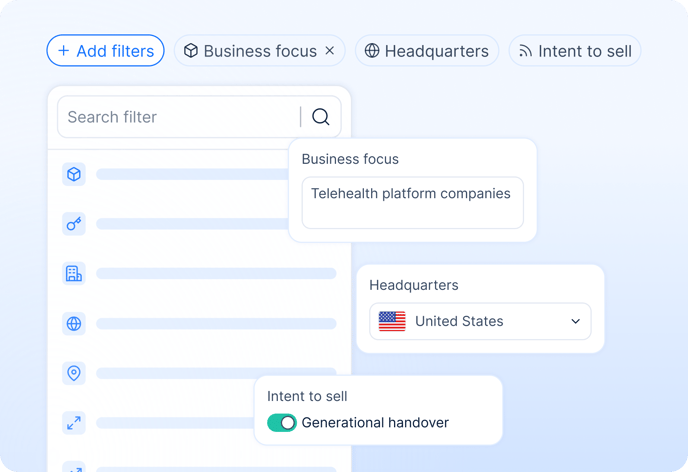
4. Fine-tune your search using filters
After running a search in chat, you can still fine-tune results manually. All filters are now grouped under the Add filters menu at the top.
Tip: If you can’t find what you’re looking for (like Business focus, Headquarters, Growth, or Ownership), it’s probably under “Add filters.” This helps you adjust radius, focus, or any other conditions without restarting your search.

5. Find data on a single company
Use the company quick search box when you want to find a specific company.
To find many companies or explore similar ones, use the chat search.
Tip: You can still search with keywords and filters if you want full control over your results.